Limited-time offer: Get 75% off hardware* when you switch to our grocery POS  system!
Pricing
Pricing
Hero Background Image
Reports built by grocers

Grocery POS system reporting and analytics

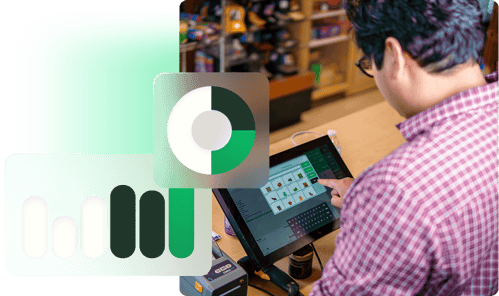
IT Retail takes the guesswork out of running a profitable grocery store through user-friendly dashboards, real-time reporting, and AI-powered insights.

Reports built for how your grocery store actually runs

Boost grocery profits and customer satisfaction with real data

it-img-1 (1)
Group 633115
import-it-fa
Seasonal sales trends

Stay one step ahead of your customers with historical sales data, and keep their shopping carts full of seasonal favorites like local peaches in the summer and feast-worthy hams and turkeys around the holidays.

it-img-1 (1)
Rising and falling products

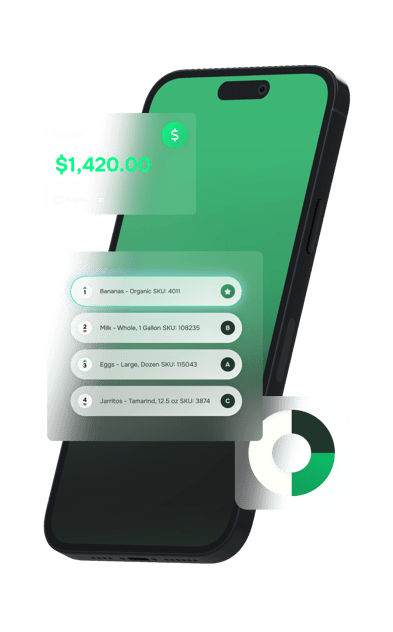
See which items are flying off the shelves — and which are at risk of spoiling. IT Retail identifies your bestsellers and slow movers, helping you make smarter inventory moves.

Group 633115
Vendor cost tracking

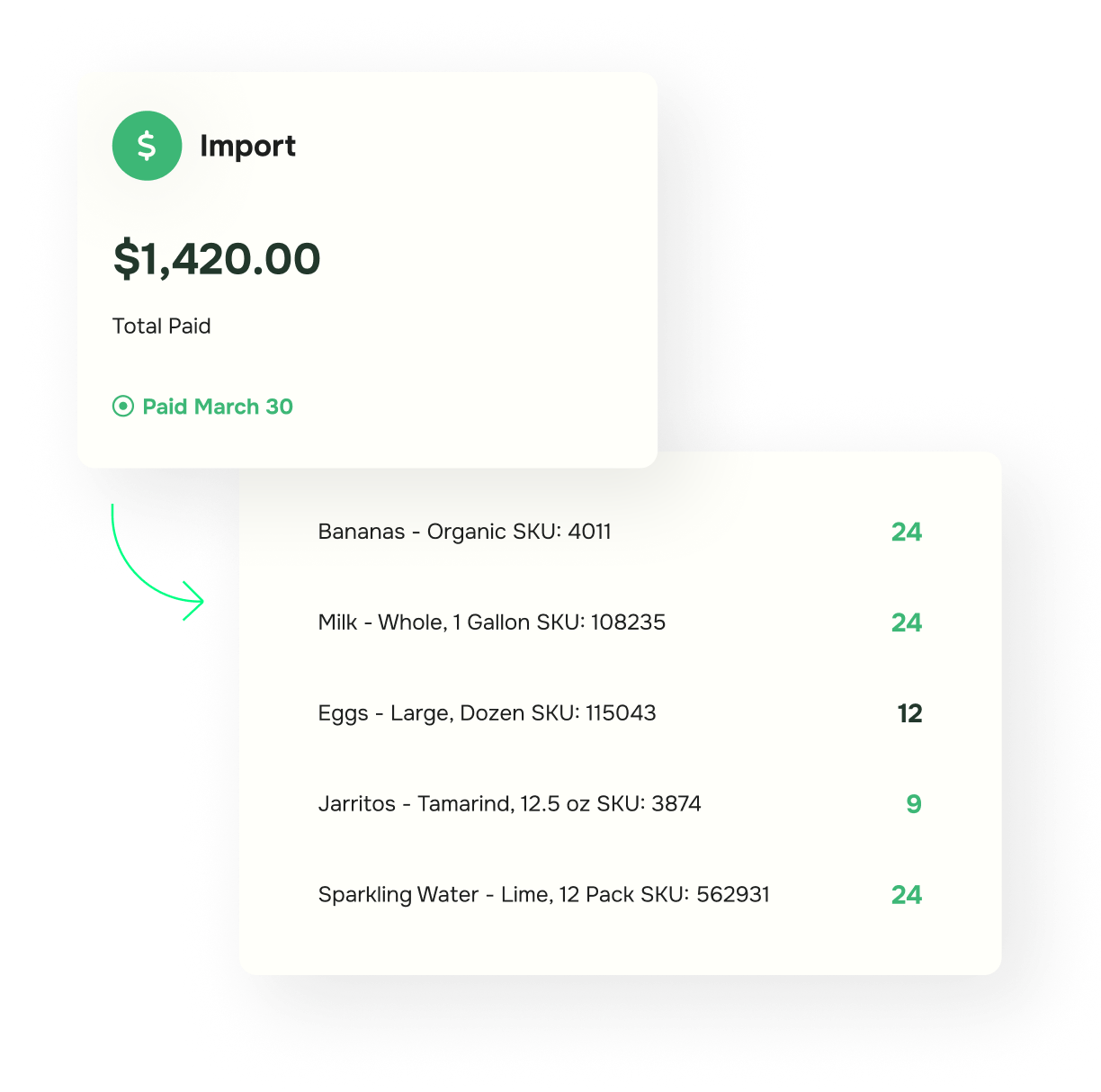
Stay on top of cost changes from your suppliers, and see how they’re affecting your grocery store’s profit margins over time.
import-it-fa
customer-member-new

See everything that happens
at your registers

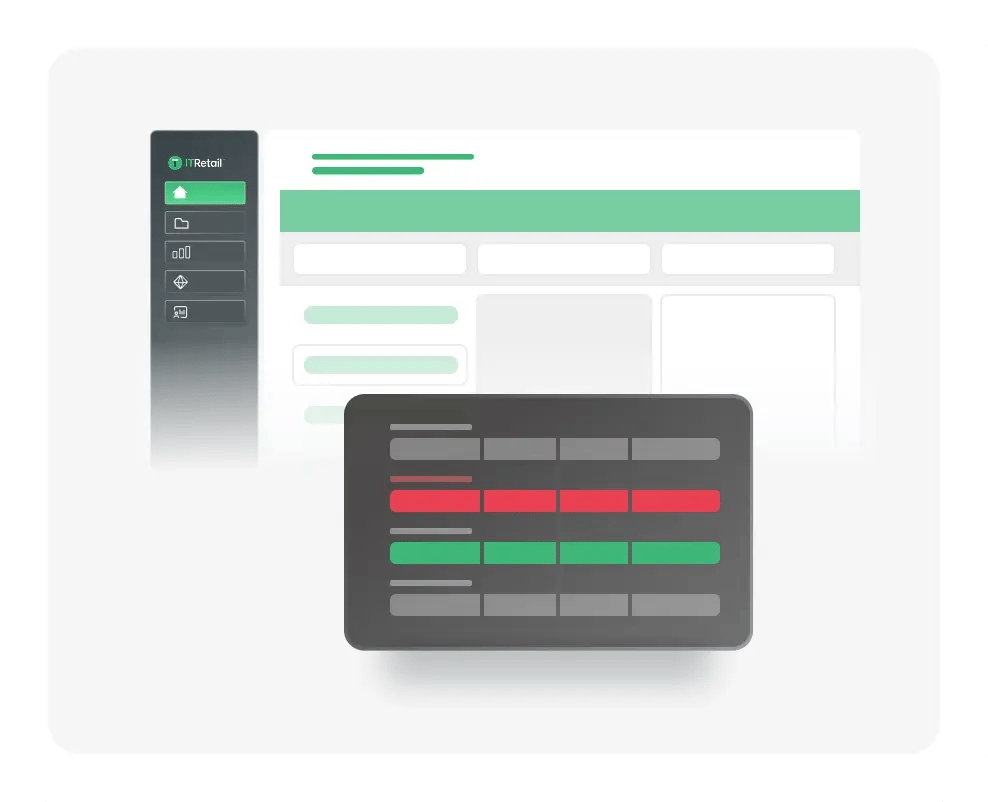
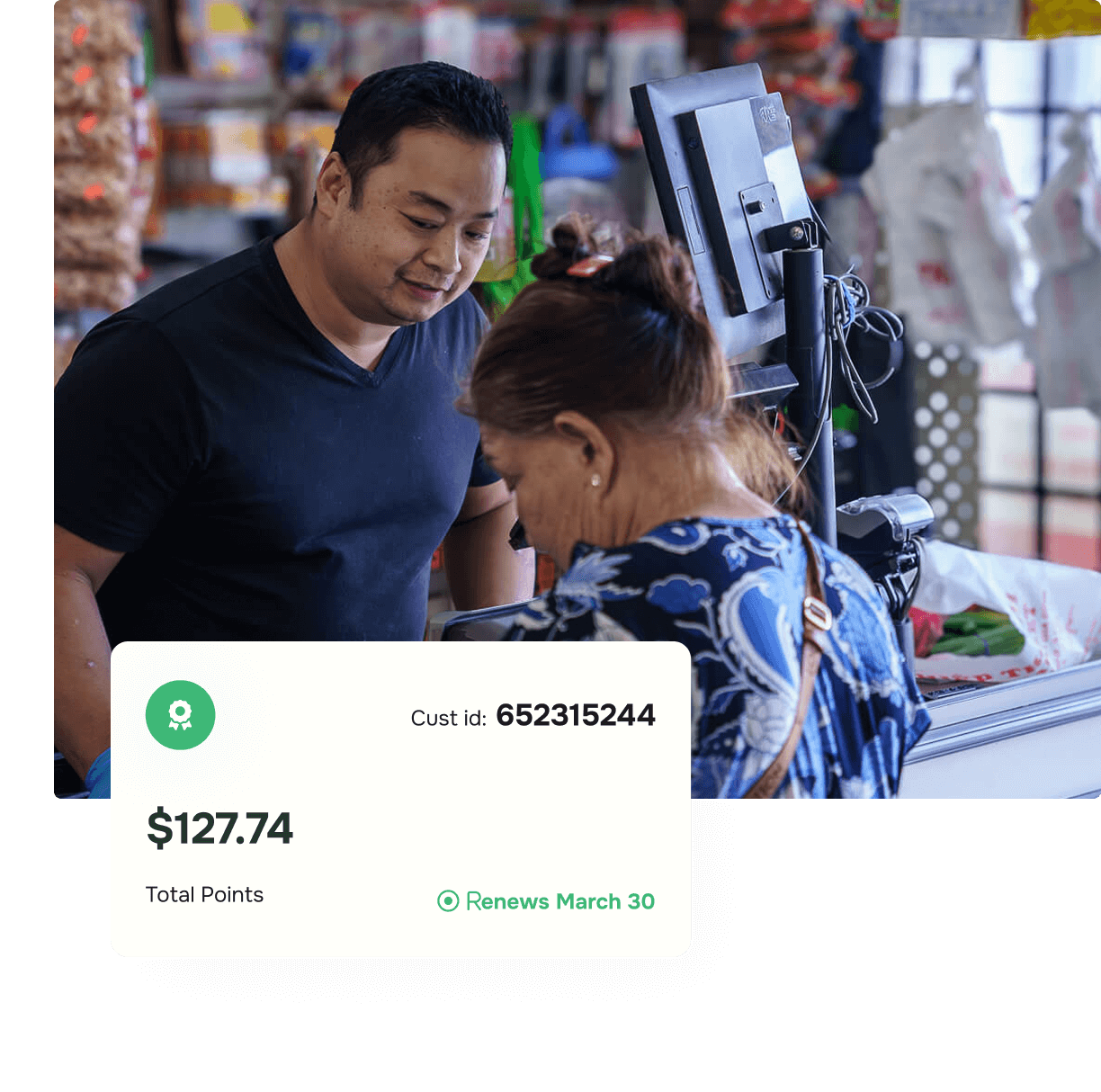
Our software monitors everything happening in your store — including every transaction, void, discount, and override. When something doesn’t look right, you can pull up the receipt and see exactly what happened.
multistore


Multi-store reporting designed for growing grocery stores

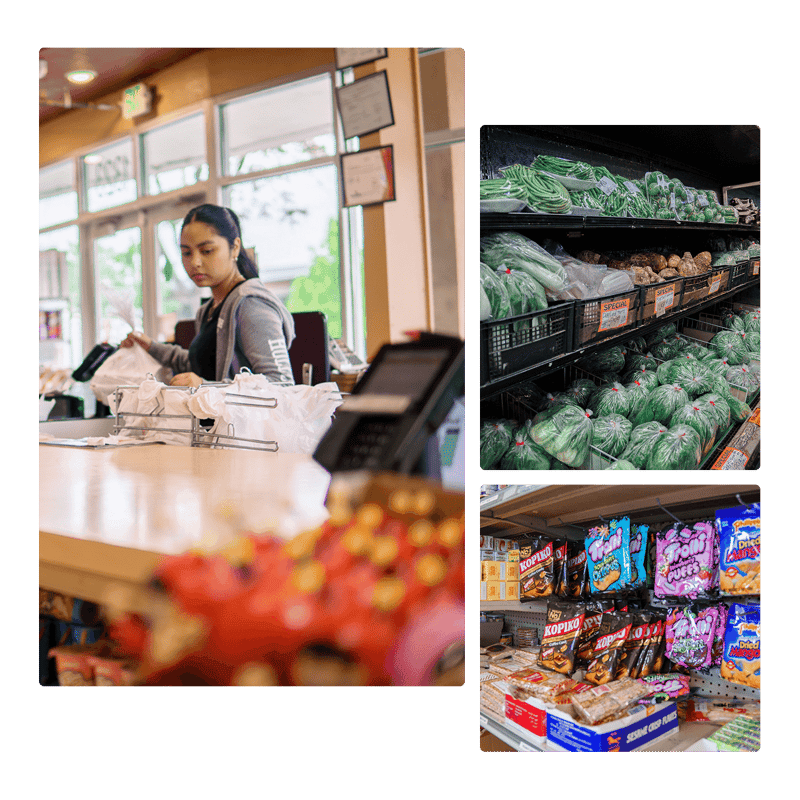
Manage all of your grocery store locations from one system — no more juggling multiple logins or manually consolidating data.
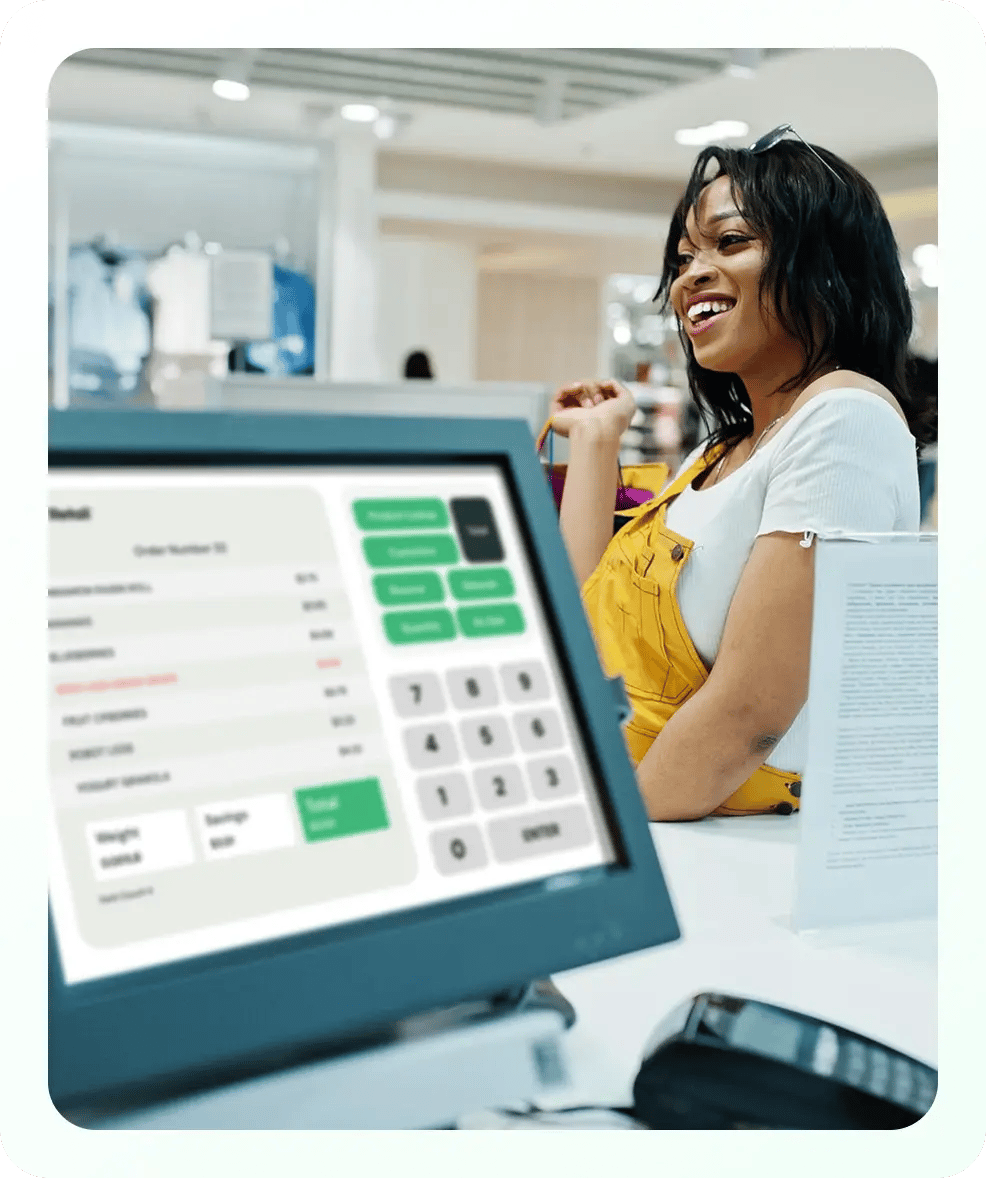
Compare store performance.
Transfer inventory between locations.
View consolidated reports.

FAQs: Grocery store POS reporting

Expand allCollapse all
What are the main reports I need to run my grocery store?

Three of the most important POS reports for grocers include:

  • Daily sales summary, which covers total revenue, transaction count, and average basket size
  • Department-level sales report, which shows the areas of your store driving the most (and least) revenue
  • Product movement report, which reveals what’s selling and what’s sitting

Your POS system should include prebuilt reports like these and allow you to customize them to your specific needs.

How can I access my sales reports from anywhere with IT Retail?

To manage your grocery store remotely, you need a cloud-based POS system that syncs your data in real time. IT Retail lets you log into your reporting dashboard from any device without being physically present in the store.

Does IT Retail track sales for all of my grocery store locations from one system?

Yes! A cloud-based POS system specifically designed for grocery stores helps you manage your growing business. For example, IT Retail allows you to pull consolidated reports, compare location performance, and even transfer inventory between sales without managing multiple logins.

What reports and metrics can help me track shrinkage and spoilage?

Your grocery store POS system should come with built-in shrinkage and spoilage reports. Product movement and department-level reports help you go a step further to prevent losses by adjusting your ordering patterns to meet customer demand without overstocking.

What role does AI play in grocery store reporting and analytics?

Artificial intelligence (AI) might sound intimidating, but it can be a game-changer for independent grocers. IT Retail includes powerful AI features that analyze your sales data and help you make smarter stocking, pricing, and promotional decisions. For example, it gives your products an A through D ranking based on sales velocity and profit margin, so you can see bestsellers and underperformers at a glance.

Frame 1618873970

Transform your grocery store with IT Retail’s reporting tools

Discover reports made for grocers like you. See IT Retail’s reporting and analytics features in action by scheduling a live, personalized demo with one of our grocery industry experts.